
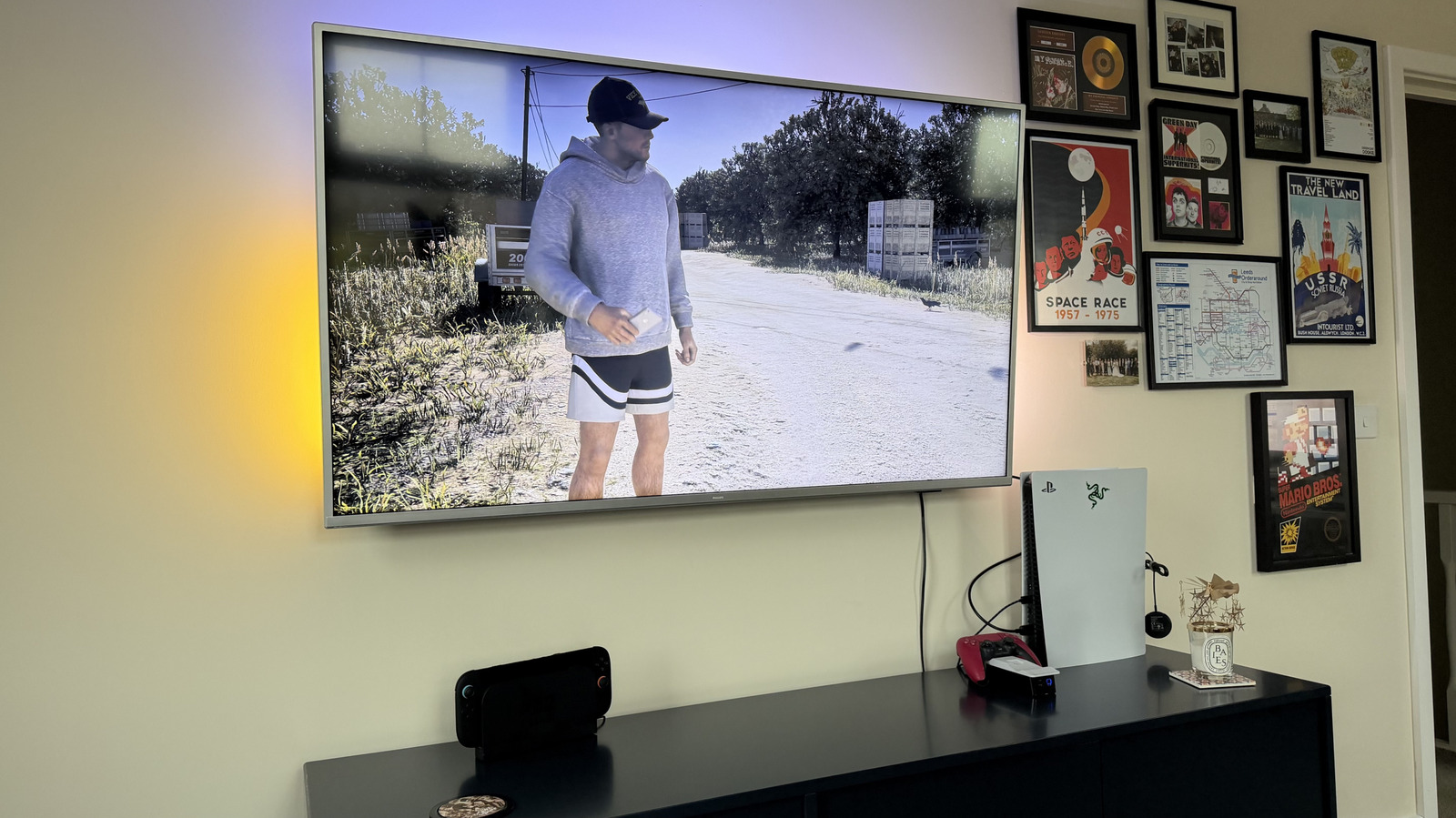
GTA 6 needs up to 212GB of free space on both consoles, which is close to a third of the roughly 667GB that's usable on an 825GB PS5. That might push you toward installing the game on a secondary M.2 SSD added to the console's expansion slot. While the PS5 is compatible with a wide range of PCIe Gen4 drives, Sony recommends a sequential read speed of 5,500 MB/s or faster and requires a heatsink or similar cooling. But even with a compatible drive faster than that, games won't necessarily perform the same as they would on the internal SSD.
As you'd expect from such a dense title, the game is constantly pulling in data as you move around Leonida. Digital Foundry's Series S testing found frame rate drops in situations that put a heavy load on the console's AI or streaming, so the game leans on its storage more than others do.
While we haven't seen any examples of GTA 6 behaving problematically when installed on an M.2 drive, if you're doing so and experience stutter when you shouldn't, moving the game back to internal storage is worth a try. On your PS5, go to Settings > Storage > M.2 SSD Storage > Move Games and Apps to move as needed. On an Xbox, Series X and S games can only run from the internal SSD or Microsoft's Storage Expansion Card, which Microsoft says performs identically to the internal drive.